One screen at a time, or several together
Pick who to watch, or put two side by side. A screen nobody asked for isn’t even encoded on the streamer’s PC.
Made because Discord’s Go Live was suspended in Brazil
Share your screen in 1080p60, watch videos together and play truco, chess or poker with your crew — straight from PC to PC, no account, and nobody in the middle watching.
Chat
Today
Leo
there’s a guy behind the rock, right there
Bia
saw him, thanks
Caio
after this one, truco at the Table?
01Stream
More than one person can stream at the same time, and each viewer picks what to watch. Quality adjusts on its own when the room grows or the PC is under strain — and comes back when there’s headroom.
Pick who to watch, or put two side by side. A screen nobody asked for isn’t even encoded on the streamer’s PC.
Ctrl+Alt+P works with the game in fullscreen on top. Viewers see a pause notice, not a frozen image with no explanation.
Your friends draw and write on top of your real screen — not just inside the app —, each in their own color, without getting in the way of your mouse and without showing up in the stream.
What you choose is a ceiling. When the room grows or the machine is under strain, the app steps down a level, and steps back up when there’s headroom.
GL-XXXX-XXXX-XXXX.02The Table
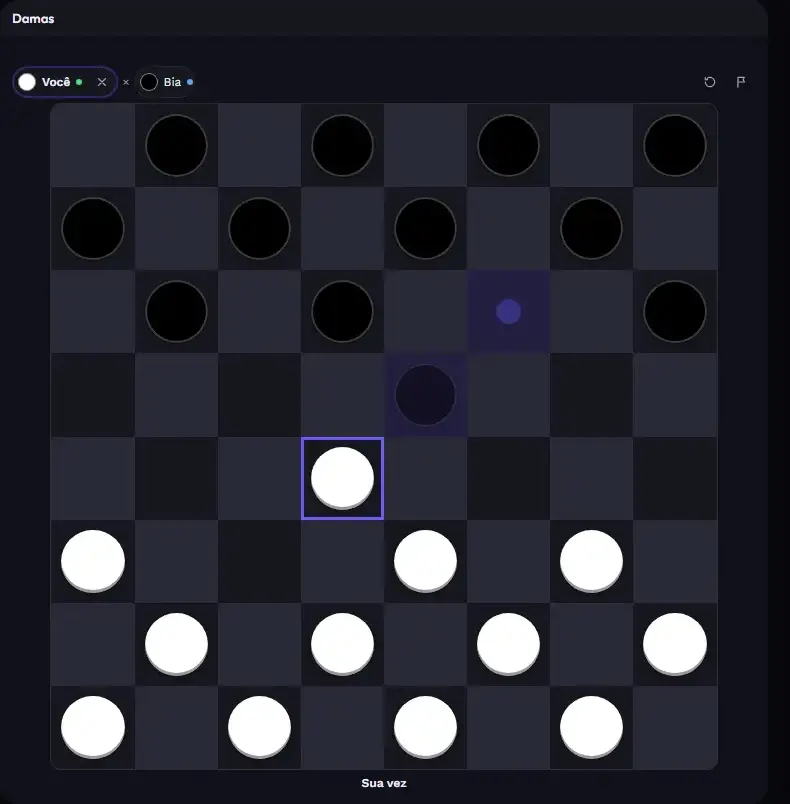
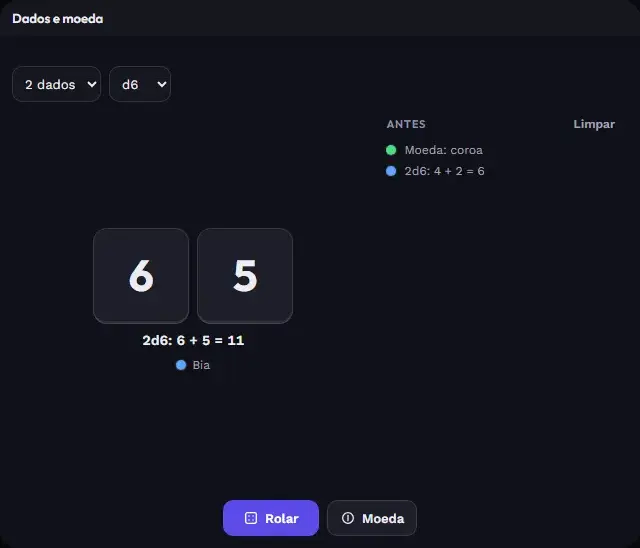
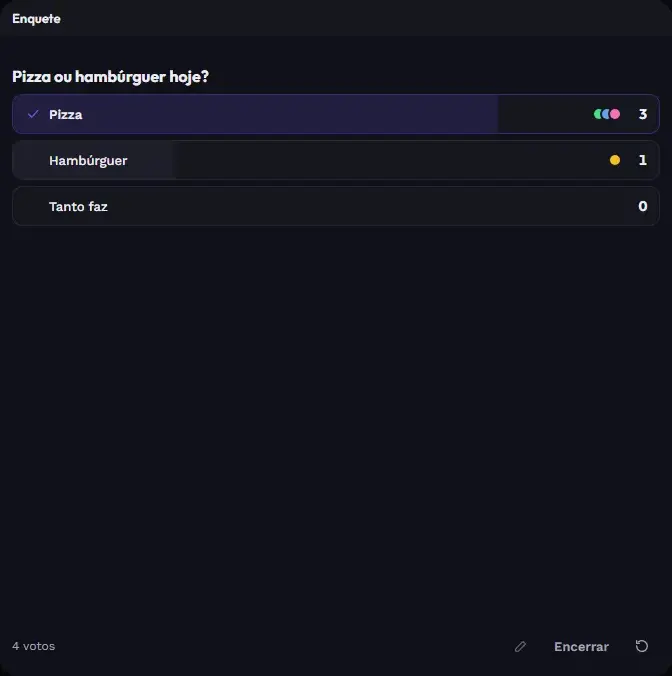
Windows that everyone sees and plays with together: truco, poker, chess, dominoes, Draw and guess, quiz, poll, wheel, a YouTube video playing at the same spot for everyone. And live screens become windows too.
03Under the hood
There’s no sign-up and no video server. The room runs on the PC of whoever creates it, and the picture goes from machine to machine over your virtual network — Radmin VPN or Tailscale, both free.
04Get started
Everyone on Radmin VPN or on Tailscale. Both are free.
One click on the installer, no terminal and nothing else to install.
The Create room button. Windows may ask to allow it through the firewall: accept.
On Radmin, the room shows up by itself under On your network. On Tailscale, paste the creator’s address.
Installs in one click, updates itself and doesn’t ask for an account.
On your phone? GoLive is for Windows PCs — send this link to yourself.